
 Plugin for Premiere Pro
Multicam.
Automated.
Inside Premiere.
Make clean, natural cuts between camera angles automatically. No manual switching, no timeline scrubbing.
Try Plugin for Premiere Pro
Timeline editor
Before and after.
See the difference.
Auto-demo — switches automatically
Processing time
~2 min per 10 min video
vs. manual editing
5× faster
App switching
Zero
How it works
Three steps.
Then you're done.
No manual work. No timeline scrubbing.
Set it up once and Timbre AI handles the rest.
What you get
Built for editors
who hate manual scrubbing.
Cuts follow the speaker
Timbre AI listens to the audio and switches to the active speaker at the right moment.
Clean, natural cuts
Cuts feel smooth and intentional without affecting your original footage.
Edit in minutes
Generate a usable multicam edit quickly without scrubbing through hours of footage.
Built for Premiere Pro
Works directly inside Premiere Pro with no extra setup required.
Why it works
Ready to go.
Right now.
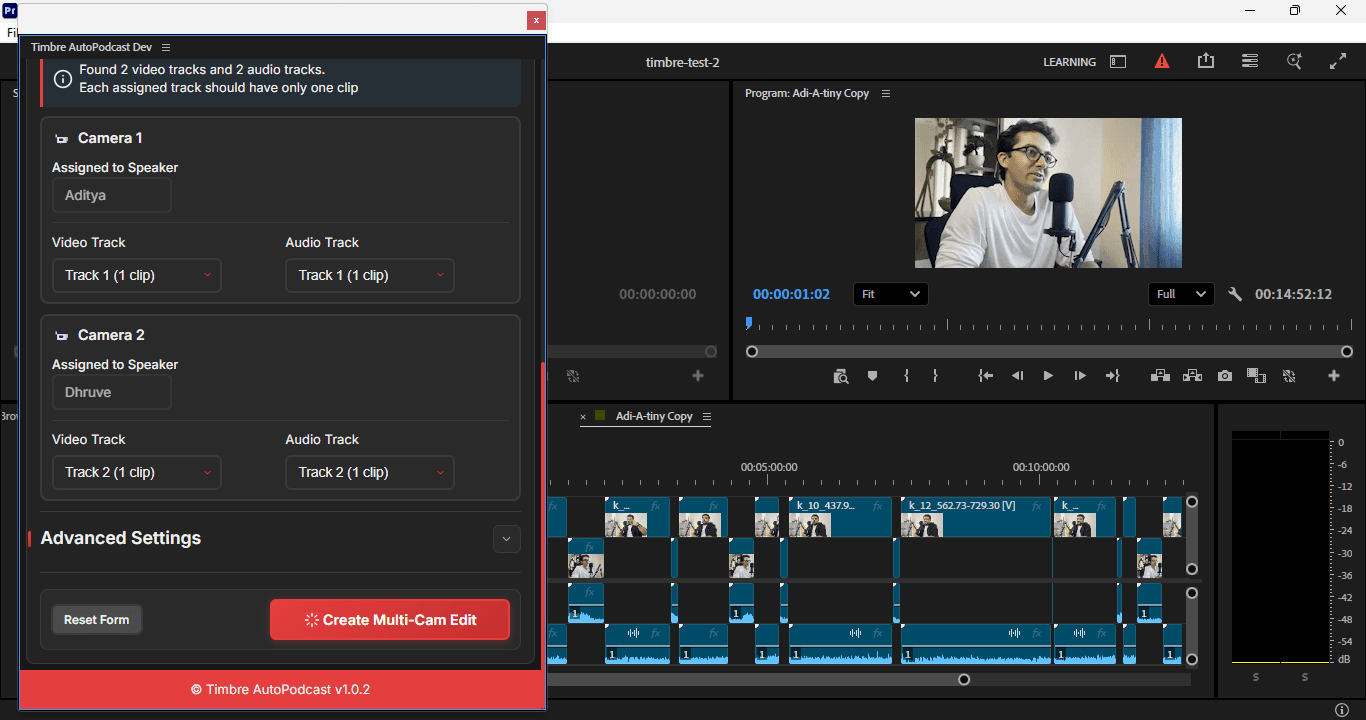
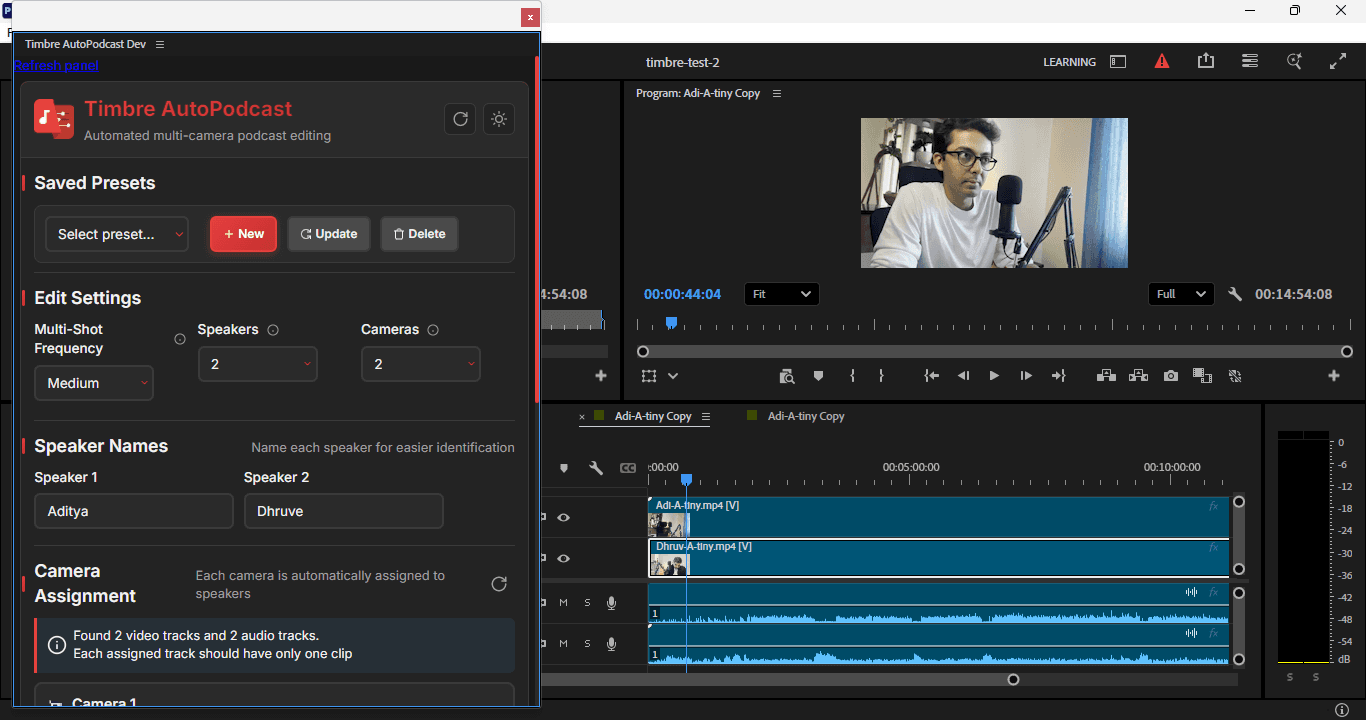
Timbre’s Premiere Pro plugin handles multicam editing inside your timeline. Assign cameras and generate a clean edit without leaving Premiere.
- Works directly inside Premiere Pro, no exporting
- Cloud processing, no high-end hardware needed
- Removes hours of manual angle cutting
Deep dive
Everything
you need to know.
Built for
- →Podcast and interview editors
- →Event and panel production teams
- →Multi-camera shoots with frequent speaker changes
- →Founders creating pitch or demo videos without extra crew
Why use Timbre?
- →Removes hours of repetitive angle cutting
- →Works inside Premiere Pro, no exporting or app switching
- →Gives you a clean first edit you can refine
- →Pay only for what you use
Is it plug and play?
- →Install and start editing in minutes
- →Works with Premiere Pro 2022 and above
- →Runs in the cloud, no high-end hardware needed
- →Preview changes before applying them